Zemew AI Guide
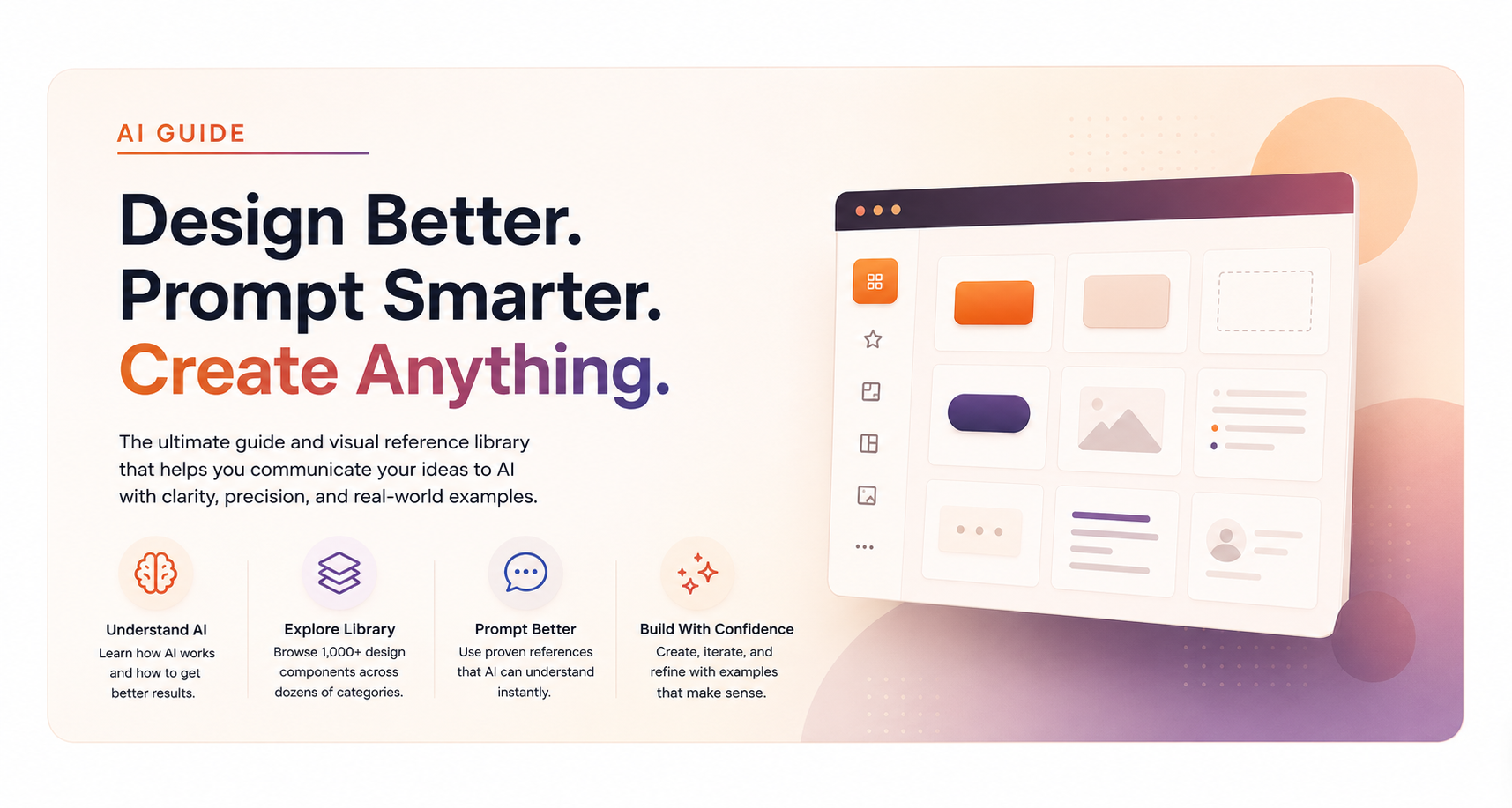
Stop explaining design like a thesaurus. Point at what you mean, hand AI a permanent ID, and keep swapping until it looks right.
The real bottleneck
AI cannot read your mind
Your imagination is doing stadium-scale work. Your prompt is doing postcard-scale work. That gap is the whole game.
It is normal to expect magic from two sentences. AI only knows what you actually handed it. More signal means better output: context, references, constraints, taste, and feedback.
You do not need the fancy name for a layout. If you can find something close, you can show it.
“Make it clean, modern, premium, maybe a little warm.”
“Use HERO-005, BTN-014, and COLOR-001. Keep my branding.”
Field notes from building Zemew
How I use AI
Not a prompt-engineering course. Just habits that keep the work sounding human and looking intentional.
-
01
Remove AI flags and stiff phrasing
Tell the AI to strip obvious AI tells and rewrite the page in plain English. Fix punctuation and grammar so it reads like a person wrote it, not a machine.
-
02
Add a real color palette
I add a color palette, almost always from PaletteMaker.com. Instead of asking for “Light Mode” or “Dark Mode,” I ask for a Medium Warm style that is easy on the eyes to look at.
-
03
Treat AI output as placeholders
Anything outputted by the AI prompt is basically just a placeholder for specific information to be added by the creator, and for artwork as well.
-
04
Finish artwork in CorelDRAW
While artwork might be initially rendered by ChatGPT, I open it in CorelDRAW for further editing to make it how I want it, or I remake it. The AI artwork is more of a concept design. I use the vector and raster tools in CorelDRAW to make it more defined and professional looking.
-
05
Use sample pages and styles
Use sample pages, layouts, and styles to improve originality and the overall awesomeness of the design. Pointing at references beats inventing vague adjectives.
-
06
One change at a time
I specifically only make one change at a time. If the nav feels wrong, I replace only the nav. If the button is wrong, I swap only the button. Changing five things at once makes it impossible to tell what helped and what broke. Keep the wins. Isolate the next tweak.
Point. Reference. Build.
AI Design Library
Hundreds of interface patterns with permanent IDs. Browse like a mood board. Prompt like you have receipts.
Star what you like into My Design Picks, then copy one prompt that already includes the IDs and URLs.
Iteration without the rewrite spiral
Component swapping
Start broad. Tighten with swaps. Your first lineup can look like this:
Use NAV-001, HERO-005, BTN-014, CARD-006, COLOR-001, and FOOT-001.
Keep everything, replace NAV-001 with NAV-006.
Keep HERO-005, but use buttons from BTN-019.
Keep CARD-006 structure, borrow hover from CARD-013.
“That one” becomes a reusable ID instead of another 20-minute explanation.
Yes, on purpose
Placeholders are intentional
Dashed boxes are not broken images. They mark where finished art goes later so structure can move first.
Ship the skeleton. Drop in artwork when it is ready.
Go make something less boring
Start browsing
The library is already packed and built to grow past 1,000 examples. Pick a category. Steal the structure. Keep your taste.