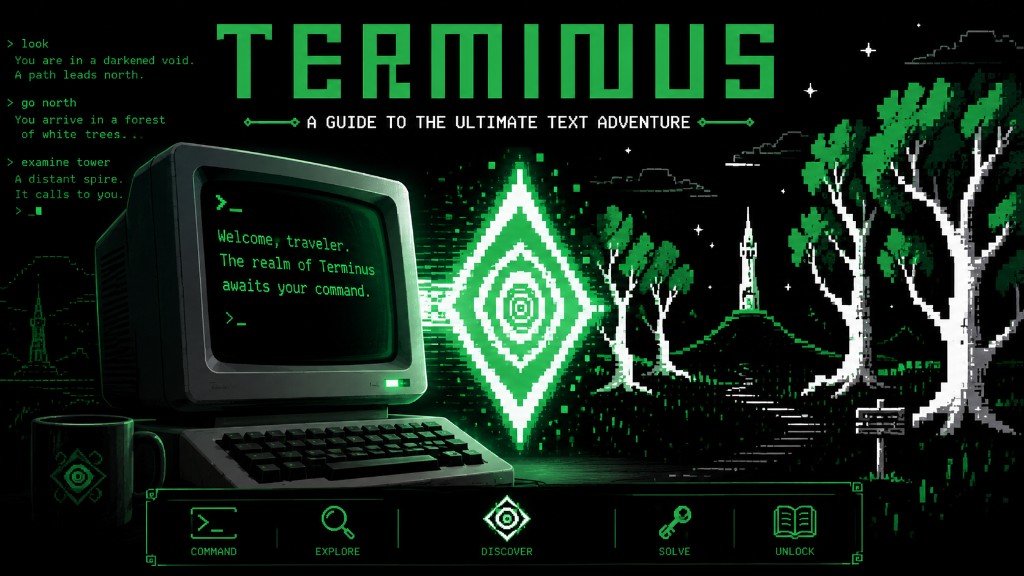
A game that teaches the command line
Terminus is a browser-based text adventure. You type commands to look around, move, read items, and solve puzzles. Those commands are the same ones used on Linux and other Unix-like systems.
Michele Pratusevich created Terminus so the terminal would feel less scary. The game started as an MIT class project and grew into a free learning tool. Select Play Terminus to open her official Web build in a new window on Zemew.
Credits and recognition
Terminus exists because Michele Pratusevich and her teammates built it, shared it, and kept it playable. This Zemew guide is only a pointer to their work.

Creator, coder, and long-term steward of Terminus. Host of mprat.org.
Michele is an MIT alum, computer vision and machine learning engineer, and the person who created and still hosts Terminus. This page runs her published Web build. Read the project notes on her site, and send gameplay feedback through the Terminus GitHub issues if you find a bug.
Original MIT team, Spring 2011
Terminus began in MIT course 11.127 / CMS.590, Educational Games, taught by Professor Eric Klopfer. The original team was:
- Michele Pratusevich ’13. design, coding, hosting, and ongoing project home at mprat.org
- Shawn Conrad ’12 / MEng ’13. coding partner, later artwork, and 2013 Education Designathon collaborator
- Emma Tolley ’11. most of the original artwork
- Michaela LaVan ’12. original storyboarding
- David Zhou ’12. original storyboarding
In 2013, Michele and Shawn brought Terminus to MIT’s Education Designathon and earned the Best Scalable Assignment prize. They were encouraged to enter the MIT iCampus Prize. The later web version also taught MIT Debathena terminal commands, because MIT’s campus computers run on Ubuntu Linux and incoming students often had never used a terminal.
The game is released as open source under the GNU GPL 2.0. If Terminus helps you, the thanks belong to Michele and the original team.
Your first session
Select Play Terminus to open the game in a new window. Click the black terminal on the left, then follow the tips Michele put on the start screen.
> ls
Look at your surroundings.
> cd LOCATION
Move to a new location.
> cd..
Backtrack one step.
> less ITEM
Interact with something in the world.
> pwd
Print where you are if you get lost.
Those five commands are enough to start exploring. Write down every new command that works. That note becomes your first Linux cheat sheet.
After Terminus
The game is the on-ramp. These are the next useful habits on a real Linux box.
Tab completion
man pages
Hidden files with ls -a
Permissions
Pipes and grep
Package managers
SSH
Reading logs
If you later host a server, the Minecraft backend guide on Zemew is a practical next project. Terminus teaches the language. A real machine teaches the consequences.